Ansh verma
How to Use Sanchar Saathi in Android | Complete Security Guide for Smartphone Users — IndTech365
Sanchar Saathi: What is this telecom safety initiative about? indtech365
Sanchar Saathi is the official telecom-security platform of the DoT, aimed at securing citizens against mobile theft, SIM fraud, duplicate IMEI issues, and scam calls. While most users encountered this for the first time on Android, the platform works identically on iPhones (iOS devices) through the Sanchar Saathi mobile app and the official website.
If you’re an iPhone user, here’s a comprehensive guide on how to use Sanchar Saathi effectively.
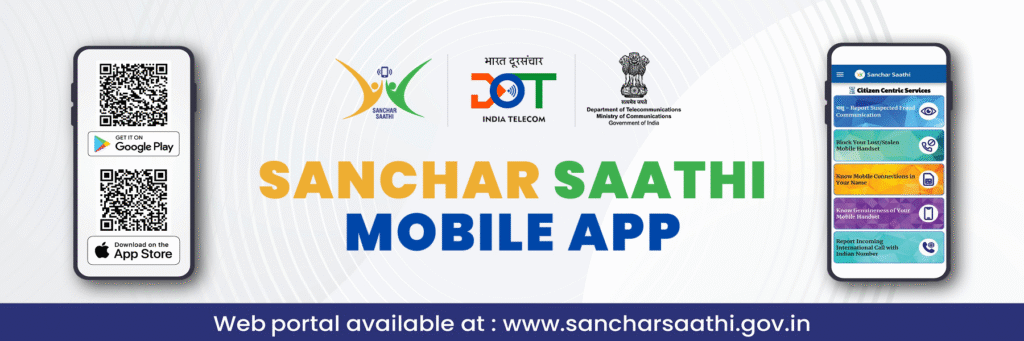
Instal Sanchar Saathi on iPhone
How to Use Sanchar Saathi in Android | Complete Security Guide for Smartphone Users — IndTech365
Sanchar Saathi: What is this telecom safety initiative about? indtech365
Step 1 —Open the App Store
Search for “Sanchar Saathi”
Download the app developed by the Department of Telecommunications, Government of India
Open the app and allow basic permissions for security services.
Do not download third-party look-alike apps; install only the one with the Government of India as the publisher.
Step 2 — Log in and verify your identity
Enter your mobile number
You will receive an OTP by SMS.
Type the OTP, and the dashboard will open.
Sanchar Saathi does not track your calls or messages – OTP login is used only to verify that you are the mobile subscriber.
Step 3 — Use the Main Features on Your iPhone
CEIR – Block / Track a Lost or Stolen Phone
If your iPhone is stolen or lost:
Go to “Block Stolen Mobile”
Fill in details like IMEI, phone number, device model
Upload ID proof
Once submitted, the IMEI is blacklisted across all Indian networks. The stolen phone cannot be used with any SIM in the country.
If your phone is recovered later on → use “Unblock IMEI” with the request ID.
TAFCOP – Check SIMs Issued Under Your Name
This feature identifies unauthorized SIM cards linked to your identity.
Go to “Know Your Mobile Connections”
Enter OTP
You will get the list of SIM numbers registered under your ID.
If you see a number that you don’t recognize, mark “This is not my number,” and the telecom operator will take action.
IMEI Verification — Before Buying a Used Phone
If you want to buy a used iPhone:
Open “Verify IMEI”
Dial *#06# to check the IMEI or refer to the box invoice
Enter the IMEI in the application
It will immediately tell you if the phone is:
Genuine
Cloned / duplicated
Stolen / blacklisted
This will protect buyers from fraud in the second-hand market.
qh Report Scam Calls & Fraud Messages
Scammers targeting iPhone users commonly make scam calls claiming to represent banks, courier services, loan providers, job offers, and lottery operators.
You can report them directly to Sanchar Saathi using:
Open “Report Suspected Fraud”
Enter caller number and details
Submit the report
Repeated complaints by users assist DoT in taking stringent action against fraud networks.
Tips that Can Keep the iPhone User Safe
Set a strong device passcode and enable Face ID
Turn on Find My iPhone to enable tracking via Apple services
Keep your IMEI handy take a screenshot
Periodically check SIMs linked to your name through Sanchar Saathi
How to Use Sanchar Saathi in Android | Complete Security Guide for Smartphone Users — IndTech365
The protection of Apple’s built-in features, in addition to the telecom-security tools from Sanchar Saathi, will ensure the highest safety. Final Words Sanchar Saathi adds an essential layer of telecom protection for the iPhone users in India-be it blocking the stolen phone, detecting unauthorized SIMs, avoiding fake devices, or reporting scam calls. This app makes security faster, official, and user-controlled. It’s installation and usage are encouraged for every user of an iPhone, but not necessarily after the fraud incident; rather, it can be used proactively to keep one’s digital identity safe.
How to Use Sanchar Saathi in Android | Complete Security Guide for Smartphone Users — IndTech365
Sanchar Saathi: What is this telecom safety initiative about? indtech365


 Daksh Pandey