Daksh Pandey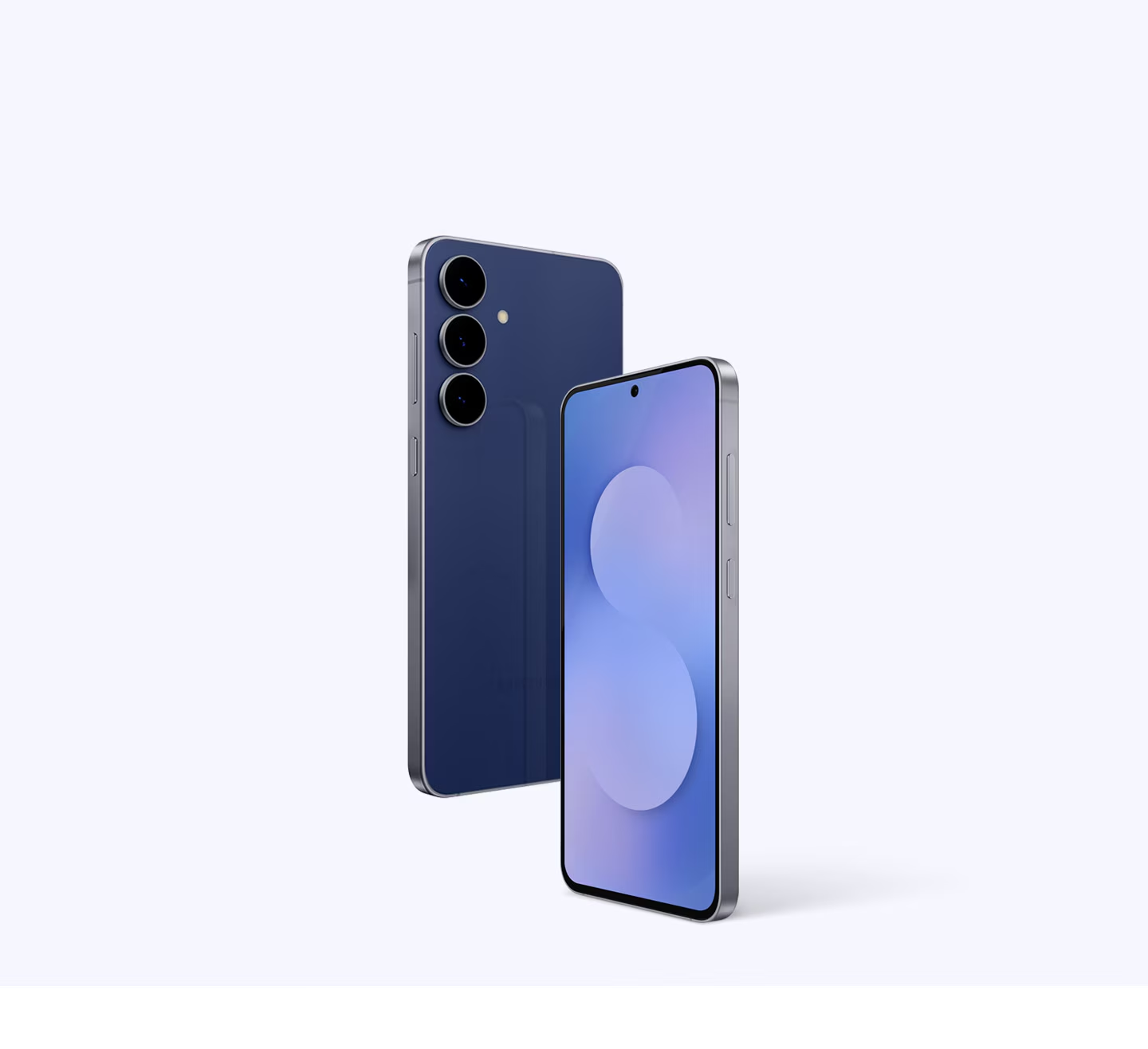
Samsung’s One UI 8.5 Beta Program for the Galaxy S25 series is moving at a steady pace, and that’s why the idea of a “Beta 3” arriving soon sounds believable. In December 2025, Samsung publicly kicked off the beta for the S25 lineup in select markets and then followed up with Beta 2 (which expanded availability and focused heavily on stability fixes). With that pattern established, the next logical step is a third beta that continues polishing performance, tightening security, and finishing the user-facing features before a stable rollout in early 2026.
1) Why “One UI 8.5 Beta 3” feels likely right now
Samsung has already set the cadence: Beta 1 → Beta 2 → (next) Beta 3
According to Samsung’s own announcement, the One UI 8.5 beta began on December 8, 2025, starting with the Galaxy S25 series in select markets (including India as one of the listed markets in Samsung’s global newsroom post).
After that, reports and changelogs show Beta 2 arrived later in December and focused on resolving bugs and smoothing UI inconsistencies—typical “second beta” behavior.
There are also “signals” from testing builds
Leaker- and tracker-style reports claim Samsung has new test builds on servers for the Galaxy S25 series—often a sign that the next beta package is being prepared. One report specifically points to a build (example: S938BXXU7ZYLL) as evidence of ongoing internal testing.
Timing speculation: early January 2026 is plausible
Some outlets predict Beta 3 could land around early January 2026 (one date being discussed is January 5, 2026), but it’s important to treat that as unconfirmed until Samsung pushes the update via Members/OTA.
Bottom line: Beta 3 isn’t officially dated by Samsung yet, but the combination of (1) an active beta program, (2) a Beta 2 already released, and (3) reported testing builds makes “Beta 3 soon” a reasonable expectation.
2) What One UI 8.5 is trying to improve (the “theme” of this beta cycle)
Samsung’s own messaging around One UI 8.5 beta leans into three big pillars:
Do more with less effort (smoother actions, better device management)
Connected experiences (sharing, device-to-device flows)
Stronger security (identity checks, theft protection layers)
A mainstream summary of these features also highlights upgrades like:
improved Photo Assist editing workflows,
smarter Quick Share behaviors,
new/expanded device-to-device storage/file sharing ideas,
and extra theft protection measures.
So, when people say “Beta 3 may come with new features and improvements,” what they often mean is:
some finishing touches to the new features already announced, and
lots of fixes based on Beta 1/2 feedback (battery drain, stutters, quick settings weirdness, random reboots, etc.).
3) What Beta 2 tells us about what Beta 3 will likely focus on
Beta 2 changelogs (as reported) are extremely revealing because they show where the pain points were. For example, one leaked/posted Beta 2 changelog emphasizes fixes like:
quick panel/settings behavior during boot,
quick panel icon spacing and placement,
Gallery album/grouping oddities,
call UI stutters,
intermittent rebooting issues.
This matters because Beta 3 usually continues exactly this kind of work:
you fix the biggest crashes/reboots first,
then you refine UI/UX consistency,
then you patch edge cases people report at scale.
So if you’re expecting Beta 3, a realistic expectation is:
fewer headline features than Beta 1,
more “quality” improvements than “wow” additions.
4) What new features might still be evolving by Beta 3
Samsung’s official beta announcement doesn’t always list every tiny UI change, but the larger feature areas likely to keep evolving include:
A) Sharing and connected-device workflows
Samsung has highlighted improved connected experiences in One UI 8.5 messaging.
In practical terms, the beta period is where Samsung tunes:
reliability of device discovery,
speed of transfers,
UI prompts (who you share to, what suggestions appear),
permissions and privacy prompts (so suggestions don’t feel creepy or wrong).
A “Beta 3” could refine the accuracy and timing of share suggestions, reduce failed transfers, and clean up animations and UI states.
B) Gallery + Photo editing pipeline (“Photo Assist”)
When a feature touches photos and editing history, it tends to produce lots of bug reports:
metadata and albums,
export quality,
undo/redo history,
UI responsiveness on large photo libraries.
Beta 2 already included Gallery-related fixes, which suggests Beta 3 may continue here.
C) Security / theft protection hardening
Samsung’s public beta messaging includes stronger security and theft protection improvements.
Security features are exactly the kind of thing that often needs a few betas to balance:
protection vs convenience,
false positives,
recovery flows (what happens if the rightful owner gets locked out).
So Beta 3 could include:
fewer accidental lock triggers,
clearer prompts,
improved identity verification flows.
D) Visual polish + performance
Even when “features” don’t change much, Samsung often uses later betas to:
reduce UI stutters,
refine animation timing,
fix spacing/alignment issues,
improve power usage in standby,
optimize thermal behavior during heavy camera/gaming sessions.
That’s not glamorous—but it’s what makes the stable release feel “finished.”
5) What “Beta 3” likely means for day-to-day Galaxy S25 users
Expect these kinds of improvements
Stability: fewer random reboots, fewer System UI crashes (if Beta 2 was still shaky).
Consistency: quick panel layout, spacing, toggles behaving correctly after reboot.
Responsiveness: smoother transitions, fewer stutters in phone calls, camera UI, and multitasking.
Battery/heat tuning: not always listed in changelogs, but frequently improved silently in later betas.
Also expect: some things can still break
Because it’s beta software, you should assume you might see:
higher battery drain on certain builds,
random app compatibility issues (banking apps are the classic problem),
Bluetooth or Wi-Fi edge-case bugs,
occasional lag after updating (indexing/optimization).
Samsung’s own beta documentation stresses that beta updates roll out gradually and can behave differently by country/device state.
6) How to get One UI 8.5 Beta (and later Beta 3) on Galaxy S25 series
Step-by-step (the standard Samsung process)
Samsung’s beta enrollment and installation flow generally works like this:
Open Samsung Members
Find the One UI Beta Program banner (if available in your region/device)
Enroll / apply with your Samsung account
Go to Settings → Software update → Download and install
Download the beta update package and install
Samsung’s official beta program guidance confirms the update path via Settings → Software update and notes rollout can be gradual.
Countries / availability (important for “why don’t I see it?”)
Samsung and other trackers list beta availability across markets including Germany, India, Korea, Poland, the UK, and the U.S. (rollout
And yes—Beta 2 specifically being available in India for S25 models has been reported widely, which supports the idea that India is in the active beta wave.
7) Smart preparation before installing Beta 3 (especially if it’s your main phone)
If you want to try Beta 3 the day it drops, do these basics first:
A) Back up properly
Use Samsung Cloud / Smart Switch / Google backup.
Back up photos, WhatsApp chats, and any work folders separately.
B) Keep spare access methods for security features
If One UI 8.5 includes more aggressive identity verification or lock behaviors, make sure:
you know your PIN/password,
you have recovery options set up,
your Samsung account credentials are up to date.
C) Banking / UPI / payments check
Beta builds sometimes trigger integrity checks in finance apps. If you depend on UPI, keep a backup device or be ready to troubleshoot.
D) Don’t update when you have urgent work
Even a good beta can have a weird bug for your exact setup (SIM, carrier, apps, etc.). Update when you can afford a few hours of “settling time.”
8) What to do after installing Beta 3 (so your phone feels smooth)
Right after an update:
Let the phone sit on Wi-Fi and power for a while (indexing happens).
Reboot once after the update if you see UI glitches.
Watch battery behavior for 24–48 hours before judging.
If you face serious issues:
report bugs through Samsung Members (that’s how betas get fixed),
check if a hotfix build arrives (sometimes Samsung pushes small patches quickly).
Samsung’s beta program guidance also notes that if something goes badly wrong, service centers can help restore usability.
9) Will Beta 3 include “big new features,” or mostly fixes?
Realistically: mostly fixes, plus small refinements to already-announced features.
That doesn’t mean it’s boring—Beta 3 often:
reduces the bugs that make the beta feel “beta,”
brings UI polish that makes the stable release feel premium,
improves the reliability of the headline features (sharing, photo tools, security).
And because Samsung is positioning One UI 8.5 as a meaningful upgrade, there’s also a chance Beta 3 could enable or tweak a few features that were “partially present” earlier—especially if Samsung is still balancing performance and stability.
10) When might stable One UI 8.5 arrive?
Many reports expect stable One UI 8.5 to land in early 2026, often around the timeframe of the next flagship cycle. But again, stable release timelines can shift depending on bug volume and regional approvals.
A good way to think about it:
Beta 1: introduces the direction
Beta 2: fixes the obvious pain
Beta 3: polishes + hardens
(maybe Beta 4/RC): final candidate for stable
How many betas Samsung ships depends on what they discover in the field.
11) Should you install One UI 8.5 Beta 3?
Install it if:
you enjoy testing software,
you can tolerate occasional bugs,
you want early access to UI/feature changes,
you’re comfortable reporting issues via Samsung Members.
Avoid it if:
it’s your only phone for work/exams/interviews,
you rely heavily on banking/UPI apps with strict checks,
you can’t risk battery instability or random glitches.
A beta can be great—but stable is always calmer.
12) A realistic “what to watch for” list when Beta 3 drops
When you see Beta 3 arriving on your S25:
check build size and firmware version notes,
skim the changelog for:
quick panel fixes,
call UI fixes,
Gallery and camera fixes,
security behavior changes,
battery/heat mentions,
check early user feedback (first 24 hours) before installing on a main device.
And remember: dates like “January 5, 2026” are predictions, not confirmations—Samsung’s OTA push is the final truth.