Daksh Pandey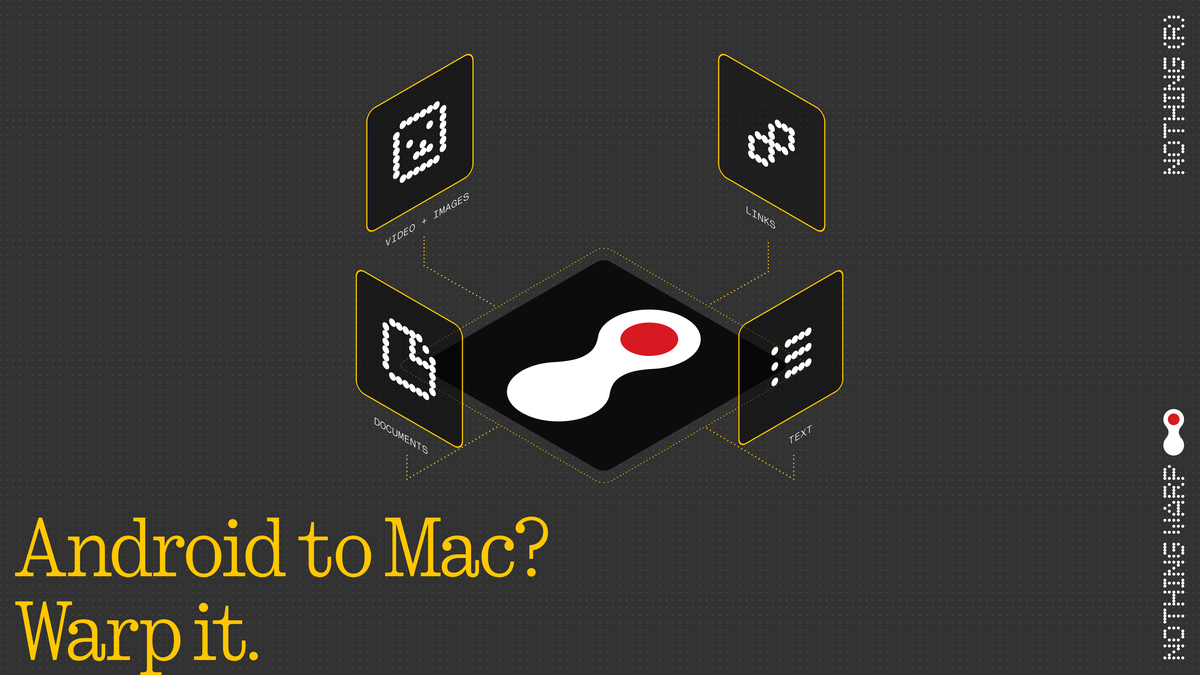
The way we transfer files between devices should be easy.. For a lot of people moving files between Android phones Mac computers and Windows PCs is still a hassle. The old ways of doing things like using USB cables, cloud storage, email attachments or third-party apps often cause problems, delays or worries about privacy.
That is where Warp comes in a way to transfer files that was made by Nothing. This company is known for making things simple and easy to use. Warp is designed to make transferring files between devices easy and fast. It does this by using a connection and a simple interface that is easy to use.
Lets take a look at what Warp is all about.
1. The Problem Warp Aims to Solve
Before we can understand Warp we need to know what problems it is trying to fix.
1.1 Fragmented Ecosystems
A lot of people have devices, like an Android phone, a Windows laptop and a Mac computer. These devices all run on operating systems like Android, macOS and Windows. Each of these systems has its way of sharing files but they do not always work well together.
1.2 Existing Solutions and Their Drawbacks
There are a ways to transfer files now but they all have problems.
* Using a USB cable is slow. Can be a hassle.
* Cloud storage like Google Drive or Dropbox requires an internet connection. Can be slow.
* Email and messaging apps have limits on the size of files you can send.
* Bluetooth is very slow for large files.
* Some tools only work within one type of device like AirDrop for Apple devices.
The result is that people waste time and effort on something that should be easy.
2. What is Warp?
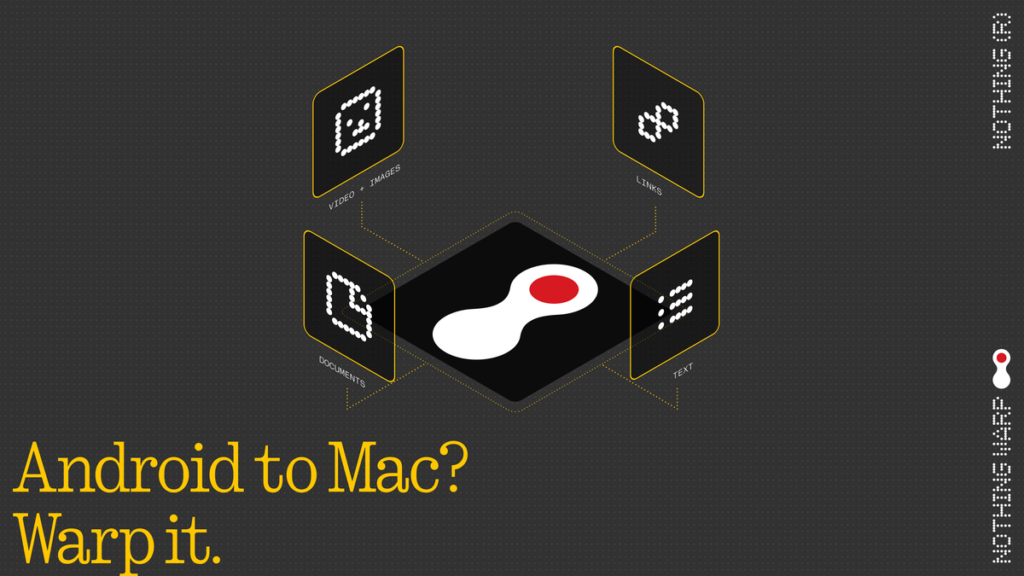
Warp is a tool made by Nothing that lets you transfer files between Android, Mac and Windows devices. It does this wirelessly without needing the cloud. It is fast. Warp acts like a bridge between devices letting them talk to each other easily.
3. Key Features of Warp
3.1 Cross-Platform Compatibility
Warp works with Android phones Mac computers and Windows PCs. This is its advantage. It can work with many different types of devices.
3.2 Wireless File Transfer
Warp uses Wi-Fi Direct or a local network to transfer files. This makes it faster than Bluetooth. Does not require an internet connection.
3.3 High-Speed Transfers
Warp is made to handle files, like videos and high-resolution images. It can transfer these files quickly depending on the network conditions.
3.4 Simple User Interface
The people at Nothing focused on making Warp easy to use. It has an interface, minimal steps and you can even drag and drop files.
3.5 Secure Transfers
Warp emphasizes keeping your files safe. It uses device-to-device communication with no cloud storage involved, which reduces the risk of data leaks.
3.6 No File Size Limits
Unlike email or messaging apps Warp does not have limits on the size of files you can send.
4. How Warp Works
Warp uses networking techniques to make file transfers fast.
4.1 Peer-to-Peer (P2P) Technology
Devices connect directly to each other with no need for a middleman server or internet connection.
4.2 Local Network Utilization
If devices are on the Wi-Fi network Warp uses this network for speed and stability.
4.3 Device Discovery
Warp likely uses QR code scanning, device pairing or temporary session links to connect devices securely.
4.4 Data Encryption
Files are encrypted during transfer, which prevents them from being intercepted and ensures sharing.
5. Comparison with Existing Solutions
5.1 Warp vs AirDrop
AirDrop is fast but only works with Apple devices. Warp works with Android, Mac and Windows devices.
5.2 Warp vs Cloud Storage
Warp transfers files instantly with no need to upload them first. Cloud storage requires an internet connection. Can be slow.
5.3 Warp vs Bluetooth
Warp is faster and more efficient than Bluetooth.
5.4 Warp vs Nearby Share
Nearby Share is getting better. Still only works well within certain device combinations. Warp aims to work with all devices.
6. Real-World Use Cases
6.1 Students
Students can use Warp to transfer assignments from their phone to their laptop or share notes with classmates.
6.2 Content Creators
Content creators can move photos and videos from their phone to their editing device without losing quality.
6.3 Office Work
People can share documents across devices making it easier to work together.
6.4 Developers and Tech Users
Developers can transfer files like APKs, logs or builds. Test them on different devices.
6.5 Everyday Users
Anyone can use Warp to share photos, videos and music
7. Advantages of Warp
7.1 Speed
Warp is much faster than wireless methods.
7.2 Convenience
No cables, no cloud, no hassle.
7.3 Privacy
Local transfers mean data security.
7.4 Ecosystem Freedom
Warp breaks down barriers between operating systems.
7.5 Ease of Use
The simple interface makes it easy to use.
8. Limitations and Challenges
8.1 Early-Stage Product
Warp is still new. May have some bugs or limited features.
8.2 Device Compatibility
Not all devices may be supported at launch.
8.3 Network Dependency
Performance depends on the quality of the Wi-Fi network and the distance between devices.
8.4 Competition
There are already file transfer solutions out there like Apple AirDrop and Google Nearby Share.
9. Strategic Importance for Nothing
For Nothing Warp is more than a feature.
9.1 Ecosystem Building
Nothing is expanding beyond smartphones making earbuds, accessories and software tools. Warp is a part of this ecosystem.
9.2 User Retention
A seamless experience encourages users to stay within the brands ecosystem.
9.3 Brand Differentiation
Warp positions Nothing as user-focused and ecosystem-driven.
10. Broader Industry Impact
Warp reflects a growing trend.
10.1 Cross-Platform Integration
Users want freedom to use their devices however they want.
10.2 Decline of Physical Transfers
Wireless solutions are replacing cables.
10.3 Privacy Awareness
Local transfers are becoming more important.
10.4 Ecosystem Competition
Companies compete not on hardware but on software integration and user experience.
11. Future Potential of Warp
Warp could evolve with speeds more device support, advanced features and deeper integration with Nothing devices.
12.
Warp by Nothing is a step toward making file transfers easy in a world with many different devices. By offering a wireless and cross-platform solution it solves one of the most common frustrations people have with technology. If Warp keeps improving and expanding it could become an used tool. Its success will depend on how reliable, fast and compatible it’s how many people use it. Ultimately Warp reflects a shift in technology, toward open and user-friendly solutions. If it works well it could change the way we transfer files between devices making it as easy and seamless as it should be.